
automated
This PowerLink runs in automated mode — AI agents execute the task without human intervention.
⚠️ This PowerLink runs automatically and does not interact with the user. It can be used to analyze any pre-recorded audio or video, whether from a real-time session or external upload.
Key Features
📝 Transcription + Speaker ID
Converts speech to text with speaker labels and timestamps.
📊 Scorecard Evaluation
Applies a configurable evaluation rubric using AI assistance.
🧠 LLM-Based Insights
Uses GPT models to extract structured observations and summaries.
📄 Report Generation
Produces a detailed HTML report and JSON output for easy review.
How to Install
Go to the Store tab in Agentix cPanel, find Recording Analyzer and click Install to add it to your PowerLinks list.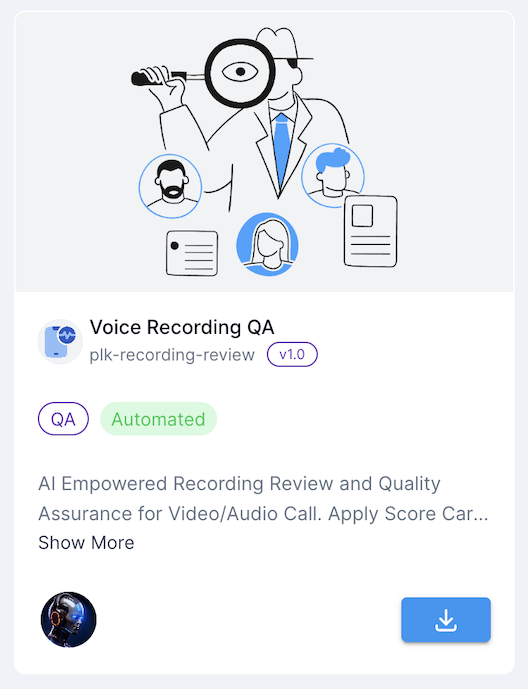
How it Works
This PowerLink processes one or more uploaded recording files as input. Each input must be provided with a type ofMEDIA and may contain either audio or video content. The agent performs transcription, applies AI-based evaluation and summarization and then generates structured QA reports — one for each file. It’s fully automated and non-interactive.
Once the media files are provided, the PowerLink transcribes each one individually, applies the evaluation rubric and generates both HTML and JSON reports for downstream review.
Ensure that each file input is set with type
For best transcription results, the recording’s spoken language locale should match the expected input for your selected STT model (e.g.,
MEDIA. You can upload multiple recordings in the same job — each will be analyzed independently.For best transcription results, the recording’s spoken language locale should match the expected input for your selected STT model (e.g.,
en-US, ar-SA).Agents
Here is list of available agents that can be used with this PowerLink. Each agent has its own set of parameters that can be configured to suit your use-case.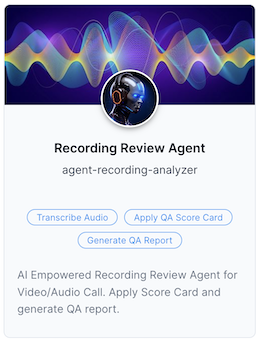
Recording Review Agent
AI-powered agent that analyzes audio or video recordings, applies a QA scorecard and generates detailed reports with transcription, scoring and LLM-generated insights.
AI-powered agent that analyzes audio or video recordings, applies a QA scorecard and generates detailed reports with transcription, scoring and LLM-generated insights.
Use Cases
- Post-call conversation review
- Meeting or interview analysis
- Sales and support compliance
- Customer complaint and voice memo review
- Coaching and feedback workflows
Getting Started
1
Create Action from Recording Analyzer
After installing the PowerLink, go to PowerLinks in your cPanel, select Actions and click Create New Action using this PowerLink.
2
Configure STT and LLM
Choose the transcription engine and AI model for evaluation.
3
Customize Evaluation Rubric
Edit the
EVALUATION_INSTRUCTIONS to reflect your own scorecard, KPIs or compliance checklist.4
Provide Audio or Video Recording as Input
This PowerLink analyzes any voice or video recording provided as task input. You can upload one or more files with type
MEDIA and the PowerLink will process each recording to generate its own structured evaluation report. You can test this directly from the cPanel -> Jobs by creating a job and attaching this PowerLink with the desired recordings. There’s no need to use LaunchPad and the task supports multiple recordings in parallel.5
View Transcript & Generated Report
Once Task completed and marked DONE, view the task details to access the full transcript, extracted insights and formatted QA or compliance report.