

automated
This PowerLink runs in automated mode — AI agents execute the task without human intervention.
⚠️ This PowerLink is fully automated and non-interactive. It runs silently in the background to power downstream actions.
Key Features
🧠 Intelligent Decision Making
Analyzes task input and context to choose the next best action using AI.
🔗 Workflow Routing
Sends results to the next task based on decision taken — fully customizable.
⚙️ Configurable Actions
Define allowed decisions or next steps with simple configuration.
🚀 Multi-purpose Usage
Ideal for AI evaluations, scoring flows, conditional routing and more.
How to Install
Go to the Store tab in Agentix cPanel, find Mastermind and click Install to add it to your PowerLinks list.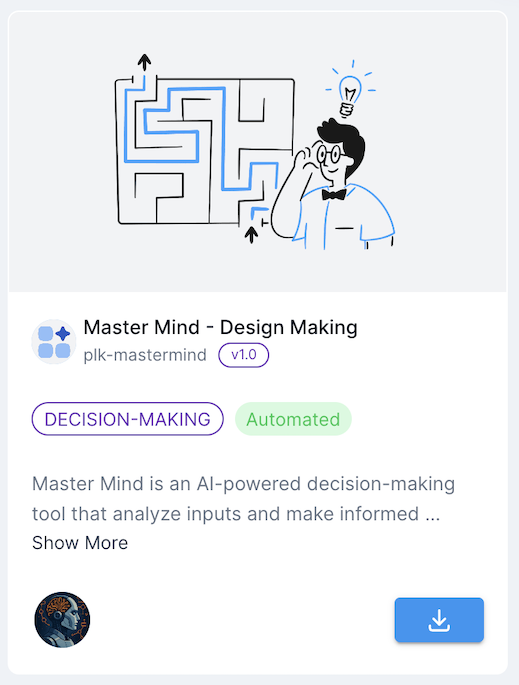
How it Works
This PowerLink uses the Decision Maker Agent to analyze input fields, instructions, tools and context. It outputs a structured result and determines what the next task should be. It runs silently and can be used to automate reviews, AI flows or intelligent handoffs.Just provide the input (such as a transcript, form or analysis result) and the agent will make a decision and prepare the output for the next task — no manual steps needed.
The decisions can be limited to predefined actions using the
ACTIONS parameter. This allows controlled automation based on your business logic.Agents
Here is list of available agents that can be used with this PowerLink. Each agent has its own set of parameters that can be configured to suit your use-case.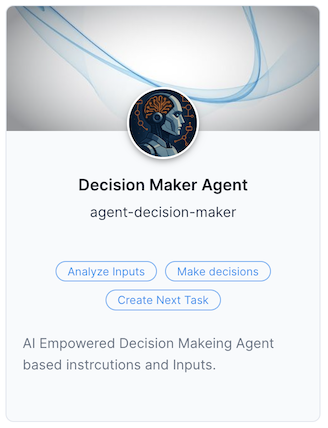
Decision Maker Agent
AI-powered agent that reads task input and sources, applies instructions and generates a structured decision. The decision is used to trigger the next action in your workflow.
AI-powered agent that reads task input and sources, applies instructions and generates a structured decision. The decision is used to trigger the next action in your workflow.
Use Cases
- AI Evaluation Controller
- Smart Workflow Routing
- Decision-Based Branching
- Risk or Quality Assessment
- Human Handoff Determination
- Approval/Rejection Logic
Getting Started
1
Create Action from Mastermind
After installing the PowerLink, go to PowerLinks in your cPanel, select Actions and click Create New Action using this PowerLink.
2
Configure Allowed Decisions
Use the
ACTIONS parameter to define which decisions the agent can choose from (e.g., approve, escalate, reject).3
Connect with Next Task
The result of the decision will be passed as task output and can be used to guide which PowerLink to launch next.
4
Trigger via Workflow
This PowerLink is designed for use inside a Workflow. Attach it after an AI-generated task (like transcription or scoring) and it will make a routing decision.